Save Complete Workspaces
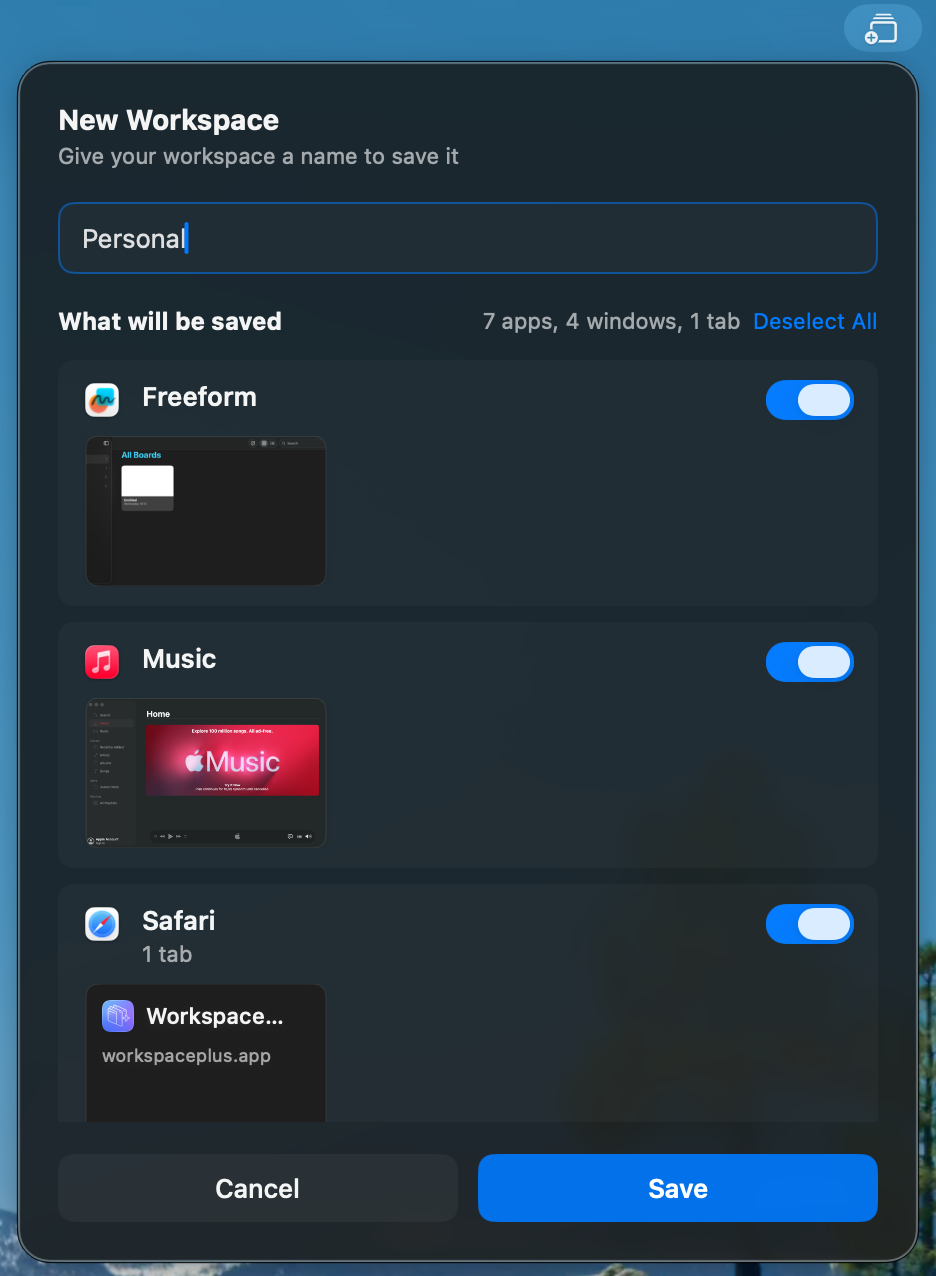
Capture your entire working environment including all open apps, files, window positions, and browser tabs in seconds.
Save and restore complete workspaces — apps, files, window positions, browser tabs — with one click. Across every display.
Built natively for macOS — fast, focused, and deeply integrated with how you work.
Capture your entire working environment including all open apps, files, window positions, and browser tabs in seconds.
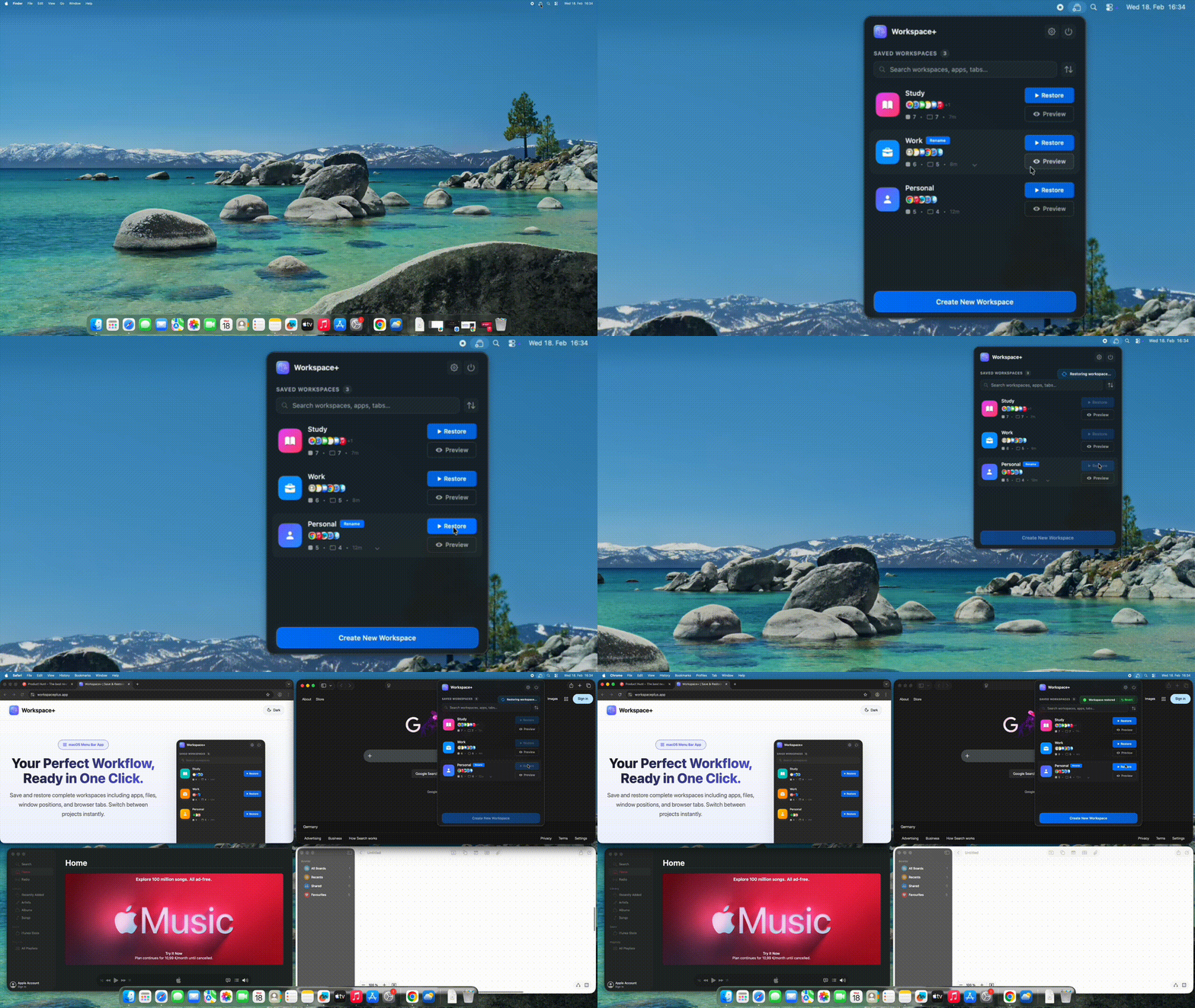
Switch between projects in seconds. Everything reopens exactly where you left it — no manual setup required.
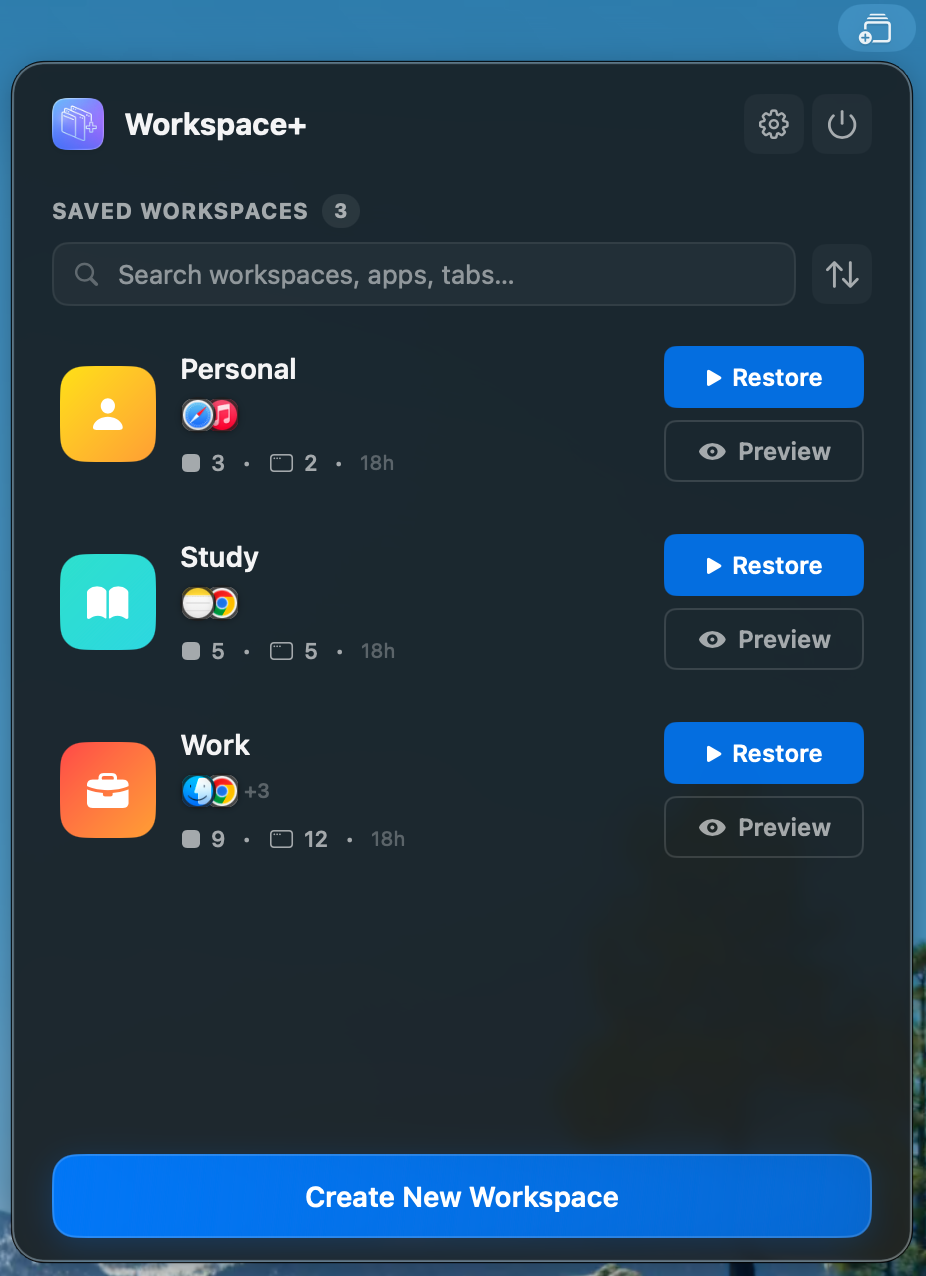
Personalize your workspace with custom icons and colors identify your setups at a glance.
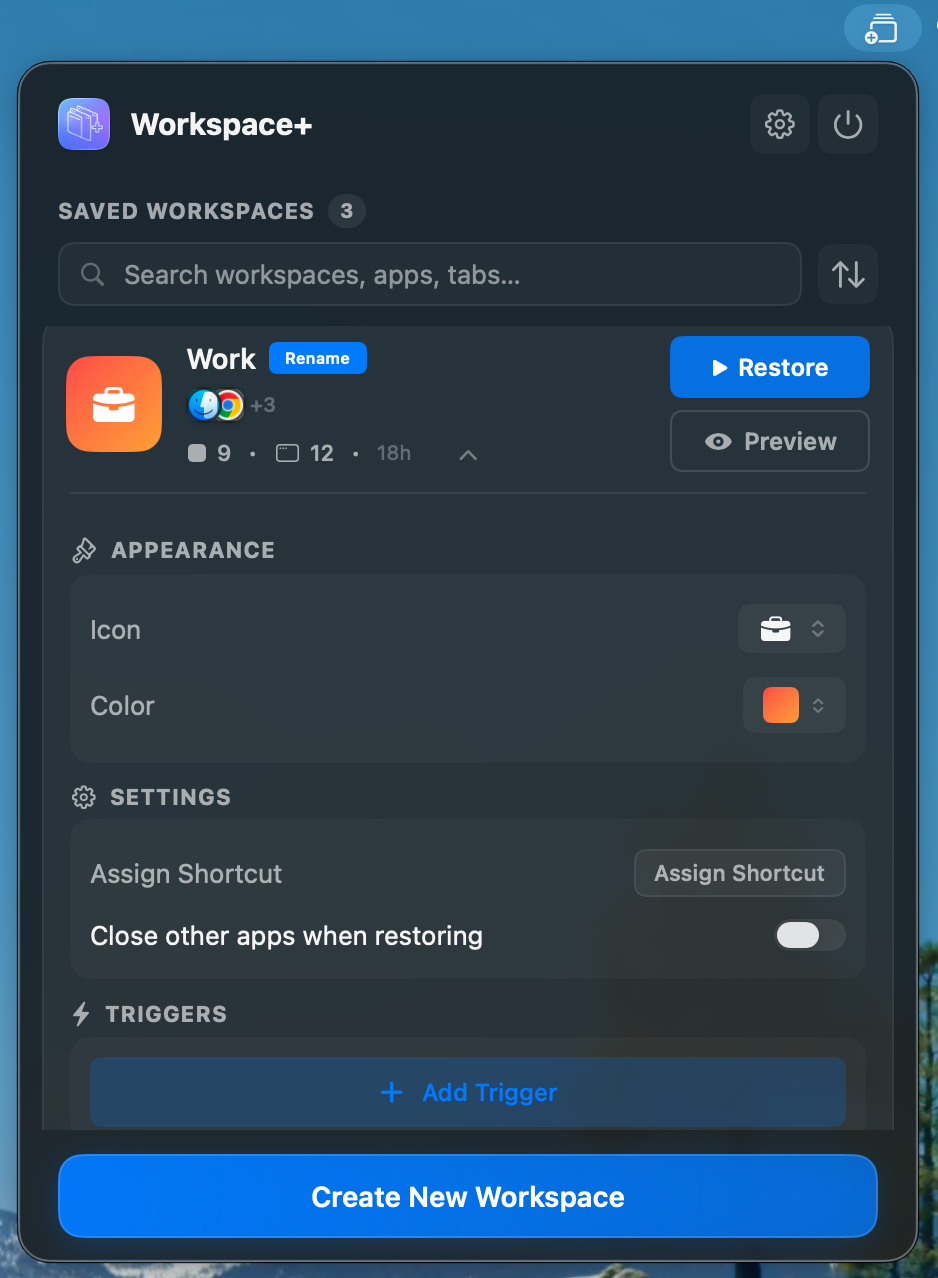
Instant access from your macOS menu bar. Save and restore without ever disrupting your flow.
Automatically saves and restores all your browser tabs across Safari and all Chromium-based browsers like Chrome, Edge, Arc, or Brave.
Seamlessly save and restore across multiple displays. Positions adapt automatically to your monitor setup.
Configure workspaces to restore automatically when displays connect or disconnect — perfect for mobile workers.
Made a mistake? Instantly undo the last restoration with a single click and return to your previous state.
Restore your workspaces with just one shortcut anytime. Jump back into your workflow instantly.
"Stop wasting time setting up your workspace every morning."
Jump straight into deep work without the setup friction. Every project, instantly ready.
Whether you're switching between client projects, moving from coding to design, or separating work from personal tasks — Workspace+ makes context switching effortless.
Three steps. One workflow. Zero friction.
Open all the apps, files, and browser tabs you need for a specific project. Arrange your windows exactly how you like them across all your displays.
Click the Workspace+ icon in your menu bar and save your current setup. Give it a descriptive name like "Client A," "Work," or "Study."
Need to switch contexts? Select your saved workspace and watch everything reopen exactly as you left it — in seconds. Use auto-triggers to make it completely seamless.
If you switch between tasks, projects, or contexts, Workspace+ was built for you.
Switch between client projects without losing your setup. Each client gets their own dedicated workspace with relevant files, tools, and browser tabs.
Maintain separate workspaces for frontend, backend, or DevOps. Your IDE, terminal, documentation, and browser tabs ready instantly.
Jump between design work, client reviews, and admin tasks with dedicated workspaces optimized for each creative mode.
Keep research materials, reference tabs, and writing apps organized in focused, distraction-free workspaces per project.
One workspace for office, another for home. Adapt to different locations and monitor configurations in seconds.
Separate workspaces for different courses and projects. Stay organized across multiple subjects and stay in flow.
Monthly or lifetime—choose what works for you.
Discover other tools we recommend